

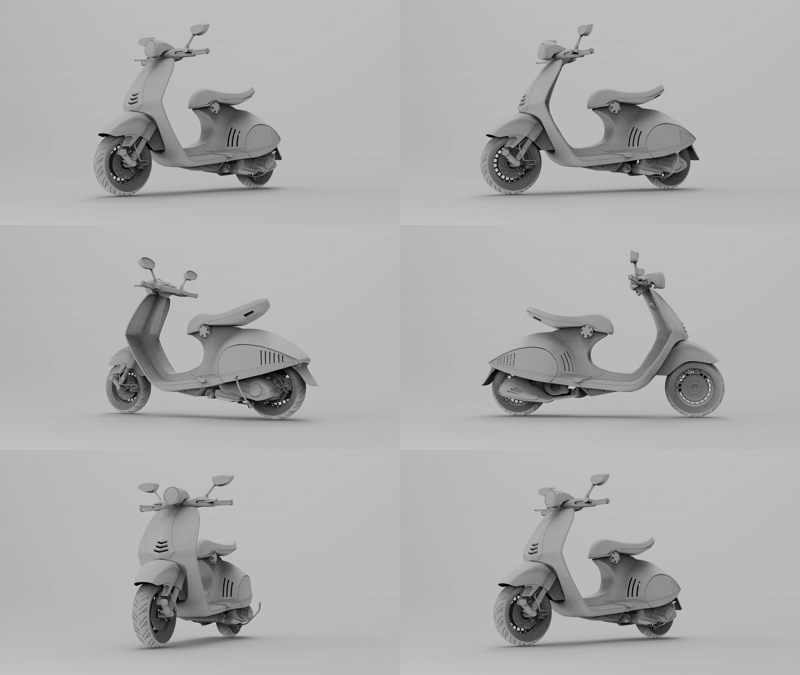


KeyShot Studio AI has three AI modes: Restyle, Background, and Imagine. They run on your computer, so your data stays private. These tools come with your KeyShot Studio subscription and let you create as many variations as you want.
Why Choose KeyShot?
KeyShot’s set of carefully created features gives you true photorealism in your renders.
Exclusive RealCloth™ Technology
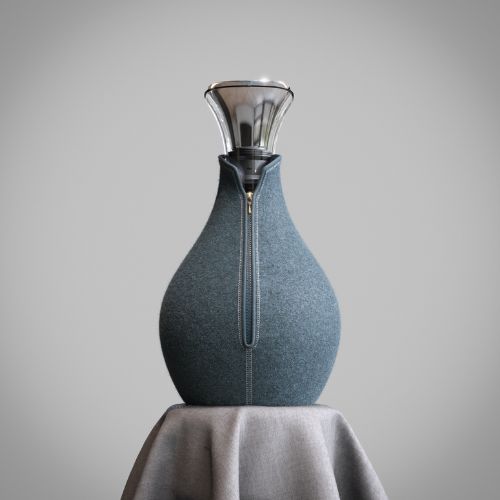
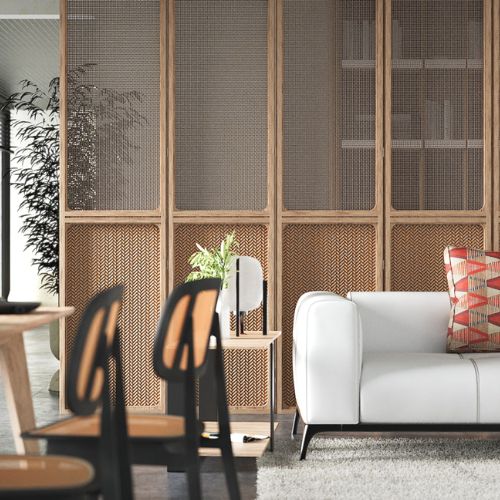
Quickly Create an exact replica of your materials, including custom weave patterns down to the ply, with KeyShot’s patented RealCloth™
Accurate Lighting
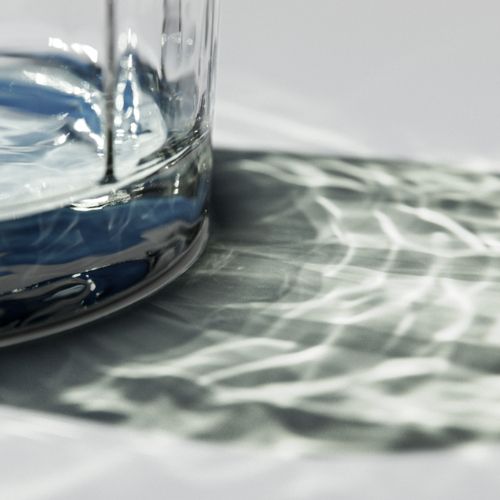
KeyShot’s scientifically accurate lighting algorithm and real-time lighting photon mapping renders materials like glass and metal in stunning detail.
HDRI Lighting
Direct your own limitless photo studio, with any lighting variation you can imagine, in just a few clicks with KeyShot’s High Dynamic Range Image Editor.
Caustics
KeyShot’s caustics make all the difference by creating depth and realism by generating even the most complex relections and refractions in vivid detail.
Bring Your Renders to Life
KeyShot Studio VR
Prepare your scene
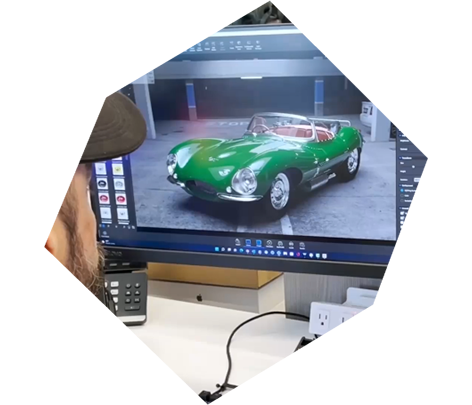
Import your model into KeyShot Studio. Add any materials, environments, or animations you like and save your scene.
Start KeyShot Studio VR
Press the KeyShot Studio VR button on the KeyShot Studio toolbar (version 8 and above) or launch KeyShot Studio VR and open the scene directly
Experience
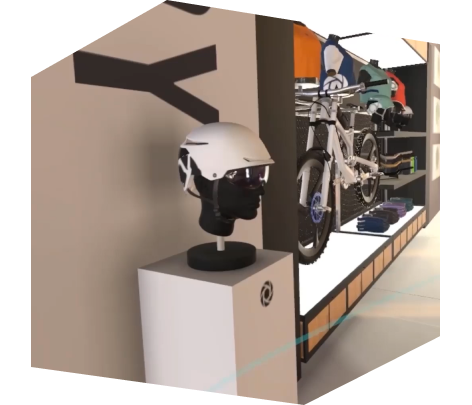
View your 3D model in an interactive environment, change materials, choose lighting, and make design decisions faster.